

Mobile App Interface Design Built for the Palm
Native app UI/UX Design and intuitive touch flows that feel like an extension of the user, optimized for haptic feedback, gestures, and one-handed ergonomics.
The Mobile Mandate
The Old Way
Web Wrappers
The Intelegencia Way
Native Performance
Thumb-Zone Optimization
Users interact with their phones using their thumbs for 75% of all tasks. We engineer layouts that prioritize the 'Natural Reach' zone, ensuring that the most frequent actions are always within effortless reach. By moving critical navigation and CTAs to the bottom of the screen and utilizing 'Sheet-Based' interactions, we reduce the cognitive and physical effort required to use your app. We design for comfort, which leads to longer engagement and higher retention.

Micro-Interaction Engineering
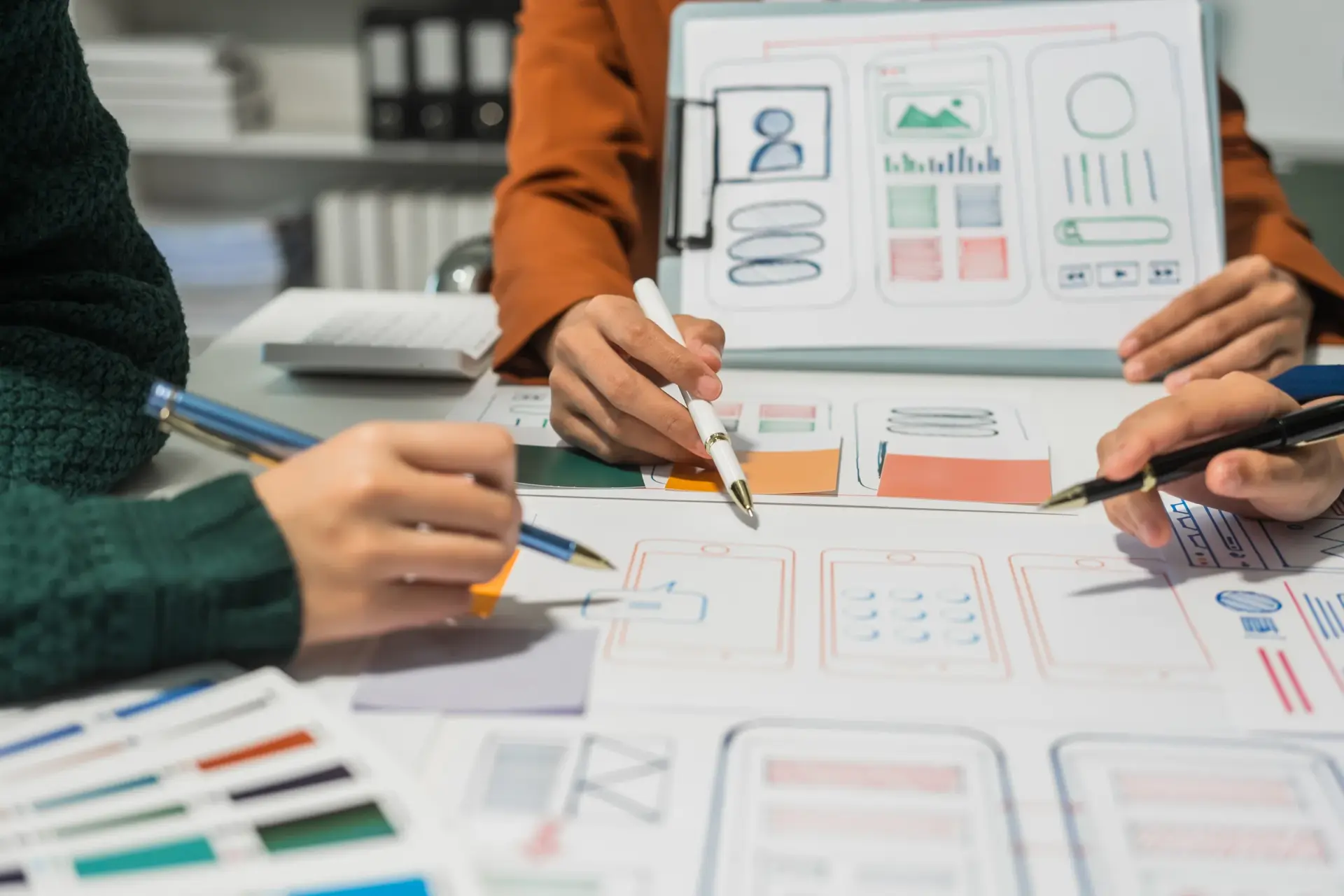
The difference between a 'Functional' app and a 'Premium' app is in the details. We design micro-interactions (like subtle button pulses, pull-to-refresh animations, and page transitions) that provide immediate, delightful feedback to the user. These interactions aren't just decorative; they are functional signals that guide the user through complex tasks and confirm successful actions. We use motion to create a sense of 'Digital Continuity' that makes the app feel alive and responsive to every touch.
Biometric Trust Integration
Security shouldn't be a barrier to usability. We design high-security flows (like payments and account access) that utilize FaceID, TouchID, and native biometric prompts to make complex actions feel frictionless. By integrating these native trust signals, we reduce the 'Authentication Friction' that often leads to drop-offs. We ensure that your users feel safe and secure while moving through your product with zero unnecessary interruptions.

Mobile App Specializations
Mobile UX is not one-size-fits-all. We tailor our design systems to the specific mental models of your industry.
FinTech & Wallets
Engineering high-security, high-trust interfaces for global financial movement.
Health & Tracking
Optimizing for data density and long-term behavioral habit formation.
Retail & M-Commerce
Driving frictionless paths to purchase in high-fragmented sessions.
Logistics & Dispatch
Building high-performance utilities for real-time operational movement.
Push-Notification Psychology
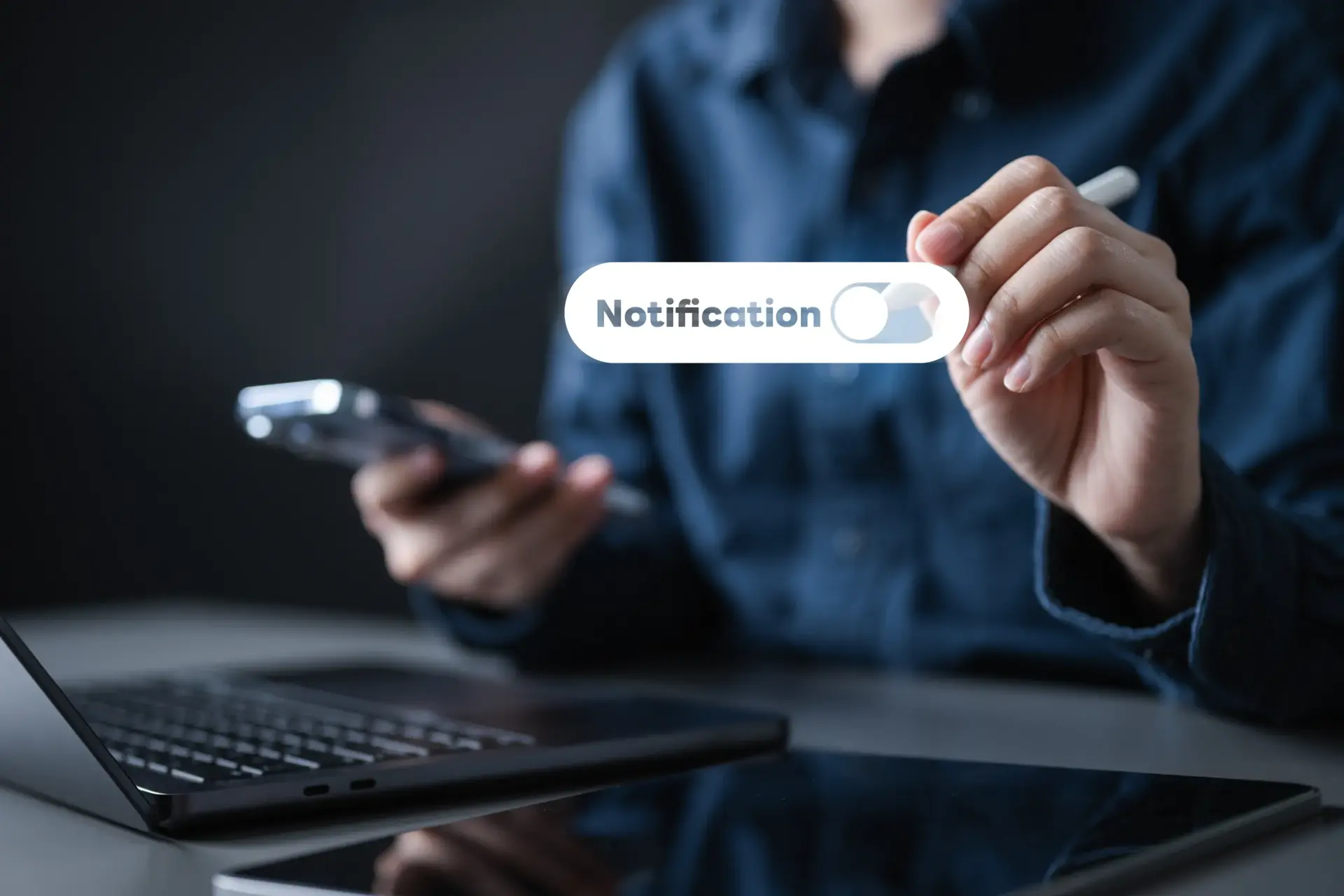
A push notification is a direct line to your user's attention. We design the visual strategy for notifications to ensure they are high-value, non-intrusive, and contextually relevant. From rich media attachments to 'Actionable Notifications' that allow users to respond without opening the app, we maximize the utility of every alert. We turn 'Alert Fatigue' into 'Value Moments' that drive users back into your product at the perfect time.
Multi-Platform Visual Parity
Your brand should feel consistent, whether it's on an iPhone 15 or a Galaxy S24. We design multi-platform systems that respect the native patterns of each OS while maintaining a unified brand identity. By utilizing adaptive layouts and platform-specific typography, we ensure that your app feels 'Right' on every device. We eliminate 'Platform Alienation' by providing a tailored experience that leverages the strengths of every ecosystem.

Offline-First Continuity
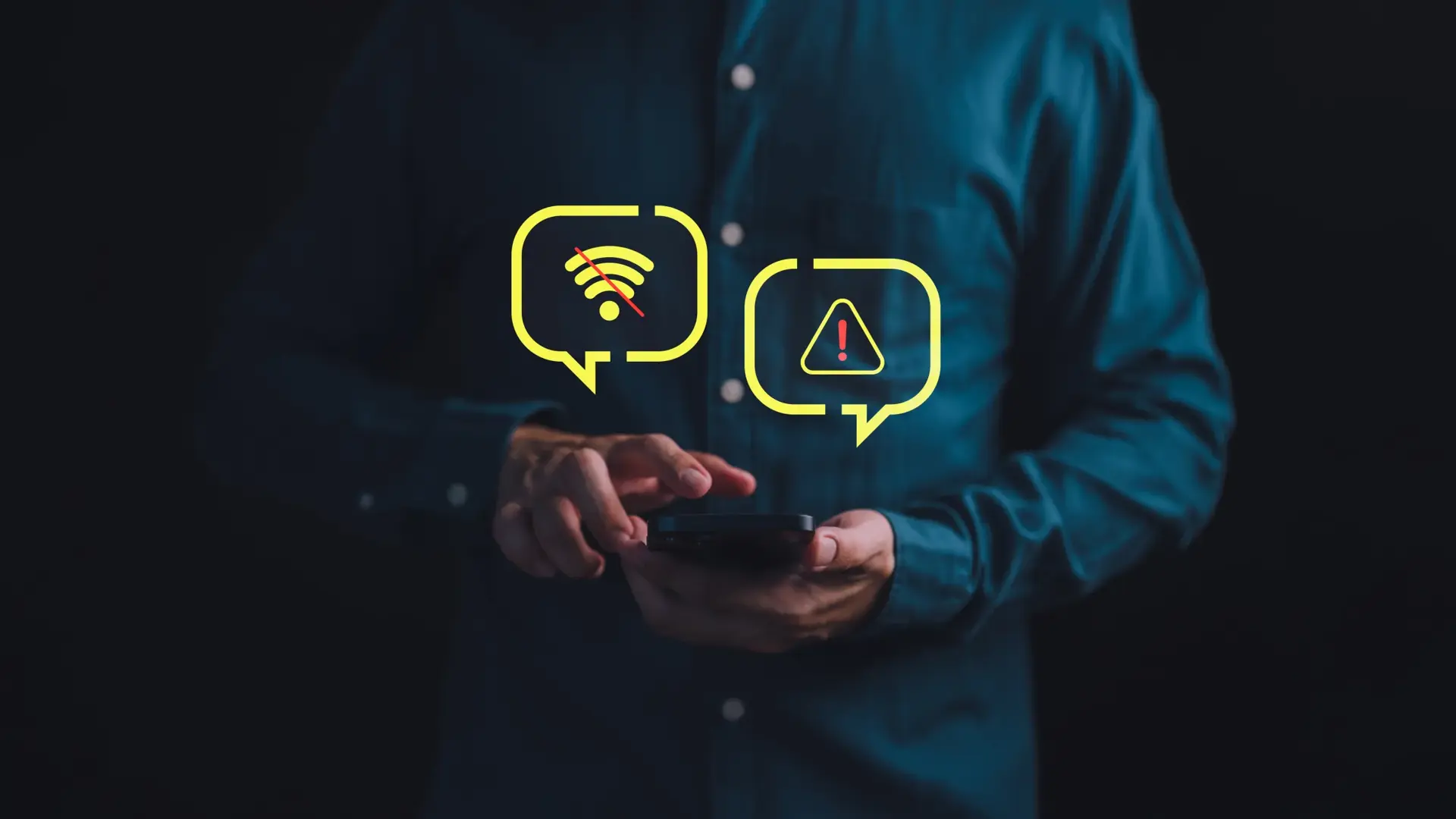
Mobile users aren't always connected. We design 'Offline-First' interfaces that provide a seamless experience even when data is low or unavailable. From optimistic UI updates to clever loading states, we ensure the app never feels 'Broken.' By designing for the 'Gaps' in connectivity, we maintain the user's flow and prevent frustration. We build apps that work everywhere, from subways to airplanes, without losing a single beat of the user experience.
Native Design Roadmap
Five stages from user flow mapping to post-launch auditing, covering low-fi wireframing, high-fidelity prototyping, technical handoff, and DAU/MAU optimization.
User Flow Mapping
Defining every screen and decision point in the mobile journey.
Low-Fi Wireframing
Validating ergonomics and core navigation logic without visual distraction.
High-Fi Prototyping
Engineering the final visual layer and interactive gesture mapping.
Technical Handoff
Providing pixel-perfect specs and asset libraries for engineering.
Release Auditing
Monitoring DAU/MAU and fine-tuning interactions post-launch.
Measured Performance. Proven Growth.
Frequently Asked Questions
About Mobile App Interface Design
Here you will find answers to questions we get asked the most about our offerings.
We typically recommend a cross-platform approach (React Native or Flutter) to reach both markets simultaneously, unless your app requires deep OS-native features.